How to Do an AI Visibility Audit for Your Business: Free Checklist
Table of Contents
- 1. Most Businesses Do Not Know If They Are Invisible to AI
- 2. Before You Start: What You Are Testing
- 3. Part 1: Brand Visibility Tests
- 4. Test 1.1: Basic brand query
- 5. Test 1.2: Brand + category
- 6. Test 1.3: Brand reputation
- 7. Part 2: Category Visibility Tests
- 8. Test 2.1: General recommendation query
- 9. Test 2.2: Constrained buyer query
- 10. Test 2.3: Comparison query
- 11. Test 2.4: Perplexity repeat
- 12. Test 2.5: Google AI Overviews
- 13. Part 3: Technical Accessibility Audit
- 14. Test 3.1: robots.txt check
- 15. Test 3.2: llms.txt check
- 16. Test 3.3: Page speed check
- 17. Test 3.4: Schema markup check
- 18. Test 3.5: Entity consistency check
- 19. Scoring Your Audit
- 20. After the Audit: Priority Fix List
- 21. If your brand is unknown to AI systems:
- 22. If you are not appearing in category recommendations:
- 23. If you have technical accessibility issues:
- 24. When to Repeat This Audit
- 25. How Synexis Softech Can Help
- 26. Frequently Asked Questions
- 27. How do I check if my business appears in ChatGPT?
- 28. What is an llms.txt file and do I need one?
- 29. If I rank well on Google, will I automatically appear in AI search?
Most Businesses Do Not Know If They Are Invisible to AI
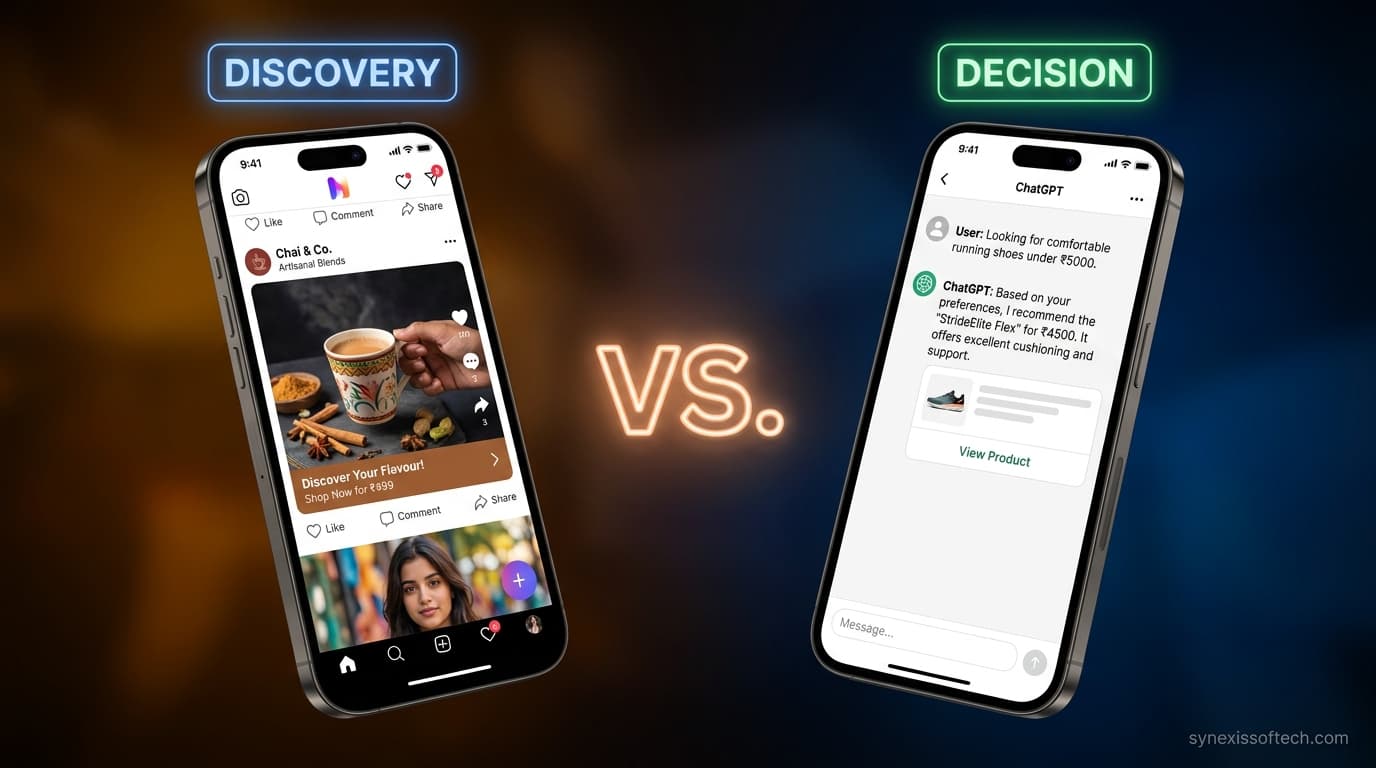
In the last year, two things have happened simultaneously: AI-powered answer engines — ChatGPT, Perplexity, Google AI Overviews — have become a genuine discovery channel for products and services, and most businesses have done nothing to understand whether they appear in them.
Unlike Google ranking, which is tracked by SEO tools and visible in Search Console, AI visibility has no built-in dashboard. You do not get a notification when ChatGPT recommends a competitor instead of you. You do not see a report when Perplexity cites their content and ignores yours.
This audit is the manual equivalent of that dashboard. It takes approximately two hours, requires no paid tools, and will tell you more about your current AI visibility than most businesses know about themselves.
Before You Start: What You Are Testing
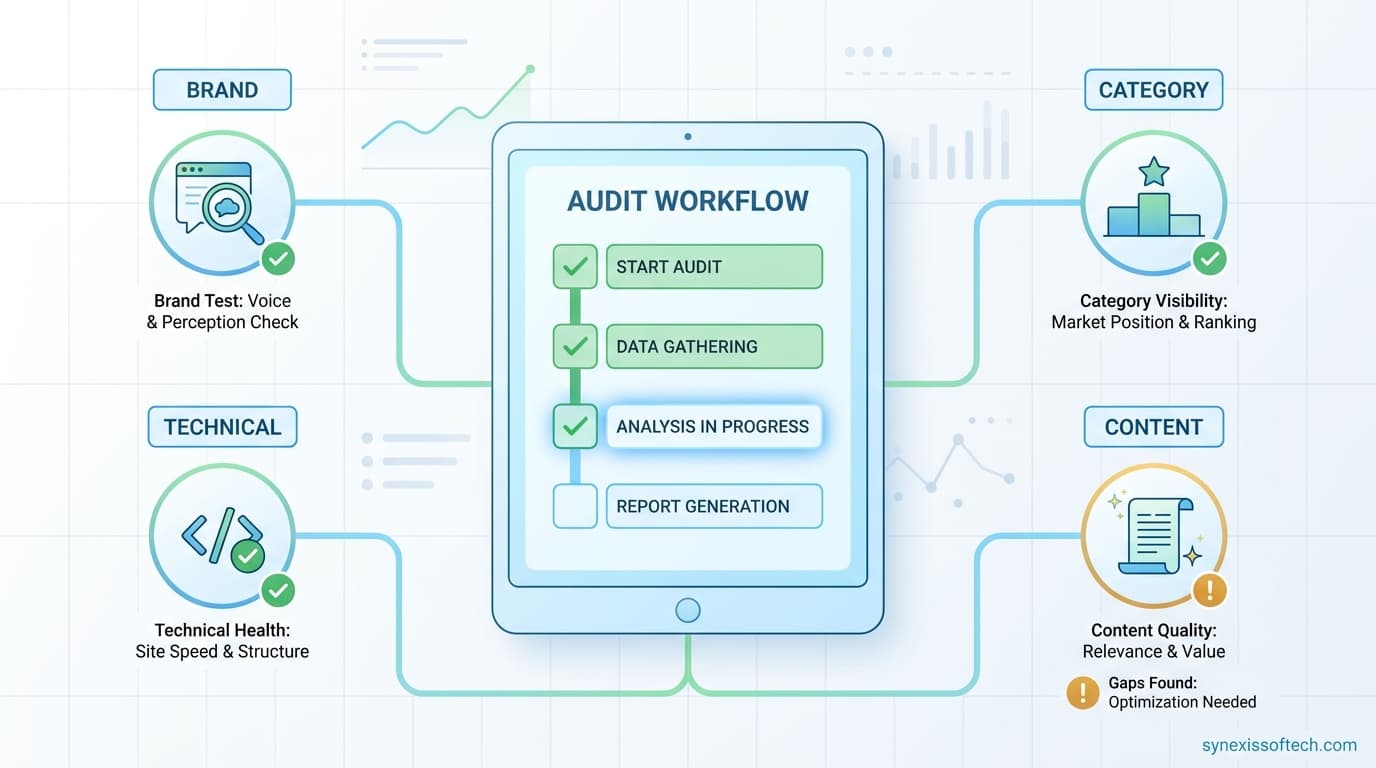
This audit tests three distinct things:
- Brand visibility: Does the AI know who you are, what you do, and why you are credible?
- Category visibility: Does the AI recommend your business when a user asks for recommendations in your product or service category?
- Technical accessibility: Can AI crawlers actually read your website — or are they being blocked?
Each of these can fail independently. A business can have strong brand visibility (the AI knows it exists) but poor category visibility (it is never recommended). It can have both and still have crawlability issues that limit how much the AI knows about it. The audit tests all three.
Part 1: Brand Visibility Tests
Open ChatGPT (the free web version at chat.openai.com) and run each of these queries. Record the full response.
Test 1.1: Basic brand query
Query: "What is [Your Business Name] and what do they do?"
What to look for:
- Does the AI know your business exists?
- Is the description accurate?
- Does it mention your location, key services, and what makes you different?
- Does it say "I don't have information about [business name]"? — This is a red flag. Your entity is not established.
Test 1.2: Brand + category
Query: "Is [Your Business Name] a good option for [your primary service/product]?"
What to look for:
- Does it give a useful answer or hedge with "I don't have enough information"?
- What specific attributes does it mention? Are they accurate?
- Does it mention competitors in the same answer?
Test 1.3: Brand reputation
Query: "What are people saying about [Your Business Name]?"
What to look for:
- Does the AI have any review or sentiment data?
- Does it say anything inaccurate that you would want corrected?
- What sources does it cite, if any?
Record your results. A score of 0–3 for each test (0 = no useful response, 1 = partial, 2 = accurate but incomplete, 3 = accurate and complete).
Part 2: Category Visibility Tests
These tests simulate what a buyer in your category asks when they are looking for a business like yours.
Test 2.1: General recommendation query
Query: "What are the best [your service/product category] companies in [your city or country]?"
Example: "What are the best custom software development companies in Kathmandu?" or "What are the best D2C skincare brands in India?"
What to look for:
- Does your business appear?
- Which competitors appear?
- What does the AI say about each business that appears — and what does that suggest about what signals it is picking up?
Test 2.2: Constrained buyer query
Write a query that mirrors what your actual ideal buyer would ask, including their typical constraints. Example: "I'm a small business owner in Mumbai looking for an affordable accounting software that handles GST, works on mobile, and has good customer support. What would you recommend?"
What to look for:
- Does your product or service appear?
- Are the recommendations appropriate for the stated constraints?
- What does appearing or not appearing tell you about your positioning and content?
Test 2.3: Comparison query
Query: "Compare [Your Business Name] with [Your Main Competitor]"
What to look for:
- Can the AI make a meaningful comparison, or does it lack information about you?
- What attributes does it compare — and are they accurate?
- Which business comes across more favourably, and why?
Test 2.4: Perplexity repeat
Repeat Tests 2.1 and 2.2 in Perplexity (perplexity.ai). Record which URLs Perplexity cites. These are the pages currently winning in AI search for your category. Visit them and note what they have that your pages do not.
Test 2.5: Google AI Overviews
Search your top three keywords on Google and observe whether AI Overviews appear. If they do: note which sources are cited. Search "[your category] [your city]" and observe whether AI Overviews appear for local queries.
Record every business and URL that appears in your category tests. These are your current AI search competitors, and they may not be identical to your traditional SEO competitors.
Part 3: Technical Accessibility Audit
Even perfect content cannot be cited if AI crawlers cannot access it. Run these technical checks:
Test 3.1: robots.txt check
Visit yourdomain.com/robots.txt in your browser. Look for:
- Is there a
User-agent: GPTBotrule? If it saysDisallow: /, OpenAI's crawler is blocked from your entire site. - Is there a
User-agent: anthropic-aiorUser-agent: Claude-Webrule? Same check. - Is there a
User-agent: PerplexityBotrule? - Is there a blanket
User-agent: * Disallow: /with no exceptions? This blocks all crawlers including AI systems.
The ideal robots.txt explicitly allows all major AI crawlers: GPTBot, anthropic-ai, Claude-Web, PerplexityBot, Amazonbot, cohere-ai, Googlebot.
Test 3.2: llms.txt check
Visit yourdomain.com/llms.txt. Does this file exist? If not, your site has not implemented the emerging AI-optimised sitemap standard. This is a gap you can fix relatively quickly.
Test 3.3: Page speed check
AI crawlers, like search crawlers, are more likely to fully index fast-loading pages. Test your key pages on Google PageSpeed Insights (pagespeed.web.dev). A score below 50 on mobile is a significant crawlability and user experience issue.
Test 3.4: Schema markup check
Visit Google's Rich Results Test (search.google.com/test/rich-results) and enter your homepage URL and a key product or service page URL. Check what schema types are detected. If none are detected, structured data is a gap.
Priority schema types for most businesses: Organisation, LocalBusiness (for location-based), Product (for e-commerce), FAQPage (for FAQ pages), Article (for blog posts).
Test 3.5: Entity consistency check
Search your business name in Google. Check the first page of results. Look for:
- Is your business name spelled consistently across all results?
- Is your address and phone number consistent across your website, Google Business Profile, and directories?
- Is your business category consistent?
- Do any results show incorrect or outdated information about your business?
Inconsistency in entity data confuses AI systems and reduces the confidence with which they recommend your business.
Scoring Your Audit
| Section | Tests | Max Score | Your Score | Priority |
|---|---|---|---|---|
| Part 1: Brand Visibility | 3 tests × 3 points | 9 | ___ | Fix if below 5 |
| Part 2: Category Visibility | 5 tests × 3 points | 15 | ___ | Fix if below 9 |
| Part 3: Technical Accessibility | 5 checks × 2 points | 10 | ___ | Fix if below 7 |
| Total | 34 | ___ |
Score 25–34: Strong baseline. Focus on expanding category visibility and building citation-worthy content.
Score 15–24: Moderate visibility. Prioritise technical fixes first, then entity clarity, then content.
Score below 15: Significant visibility gaps. Start with technical accessibility (Part 3) — these fixes are the fastest wins — then work on entity and content.
After the Audit: Priority Fix List
If your brand is unknown to AI systems:
- Write a clear, factual "About" page with your business name, location, founding date, what you do, who you serve, and what makes you different
- Implement Organisation or LocalBusiness schema on your homepage
- Ensure you are mentioned by name in credible external sources (press releases, industry directories, partner websites)
- Create or complete a Google Business Profile
If you are not appearing in category recommendations:
- Audit what the businesses that DO appear have that you don't (typically: more specific content, more external citations, stronger review presence)
- Publish a detailed service or product page for each category you want to be recommended in
- Create an FAQ page for your category with FAQPage schema
- Build at least one comparison or "how to choose" article in your category
If you have technical accessibility issues:
- Fix robots.txt immediately — allow all major AI crawlers explicitly
- Create an llms.txt file listing your key pages with descriptions
- Address critical speed issues on mobile
- Implement missing schema markup starting with your highest-traffic pages
When to Repeat This Audit
Run this audit at baseline, then repeat it every 30–60 days. AI system updates, new content you publish, and competitor activity all shift the landscape regularly. A business that was not appearing in March may appear in April after publishing two well-structured FAQ pages. A business that appeared consistently may drop in visibility after a competitor publishes a more authoritative comparison guide.
Treat AI visibility like you treat your Google ranking: check it regularly, understand what drives it, and improve it systematically.
How Synexis Softech Can Help
Synexis Softech offers technical AI visibility audits covering robots.txt analysis, schema markup implementation, llms.txt creation, entity mapping, and content gap analysis. If this self-audit has identified gaps you want expert help closing, we can work through the fixes with your team or handle them directly.
Suggested internal links: What Is GEO? | AI Solutions | ChatGPT Ads Guide
Frequently Asked Questions
How do I check if my business appears in ChatGPT?
Open ChatGPT at chat.openai.com and ask "What is [Your Business Name] and what do they do?" Then ask "What are the best [your category] businesses in [your location]?" Note whether your business appears, what is said about it, and which competitors are recommended instead. Repeat in Perplexity for a second data point.
What is an llms.txt file and do I need one?
An llms.txt file is a structured markdown document placed at your domain root (yourdomain.com/llms.txt) that tells AI systems which pages are most important and what they contain. It is an emerging standard for AI-readable sitemaps. While not required, it helps AI crawlers and retrieval systems prioritise your content and can improve how accurately AI systems represent your business.
If I rank well on Google, will I automatically appear in AI search?
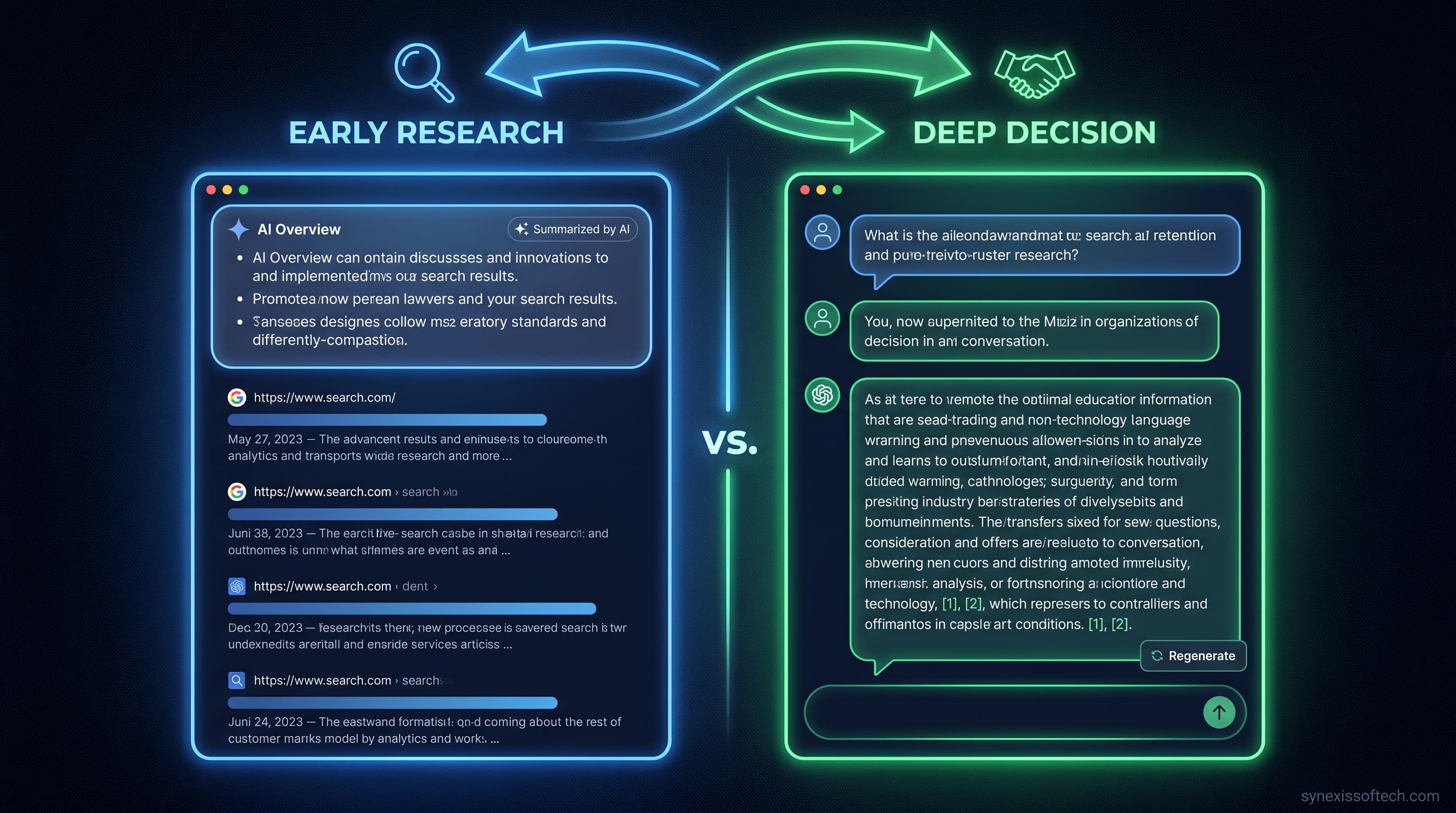
Not necessarily. Google ranking and AI citation use overlapping but different signals. A page that ranks #1 on Google may not be the page ChatGPT cites — because AI systems weight factual specificity, entity clarity, and direct question-answering differently than traditional search algorithms weight keyword relevance and backlinks. Strong SEO helps but does not guarantee AI visibility.
Published August 2026. AI search platforms update regularly — re-run this audit every 30–60 days for current results.
Need help with implementation? Synexis Softech provides robust custom AI agent development to help scale your business.
Synexis Softech Team
AI Marketing Manager
Our team of experienced engineers and digital strategists at Synexis Softech specializes in building production-ready AI solutions, high-performance web applications, and data-driven marketing campaigns. Based in Pokhara, Nepal, we partner with growing businesses globally to turn complex technical challenges into competitive advantages.
Ready to grow your business with technology?
Let's build a practical digital solution for your business.
Talk to Our Team